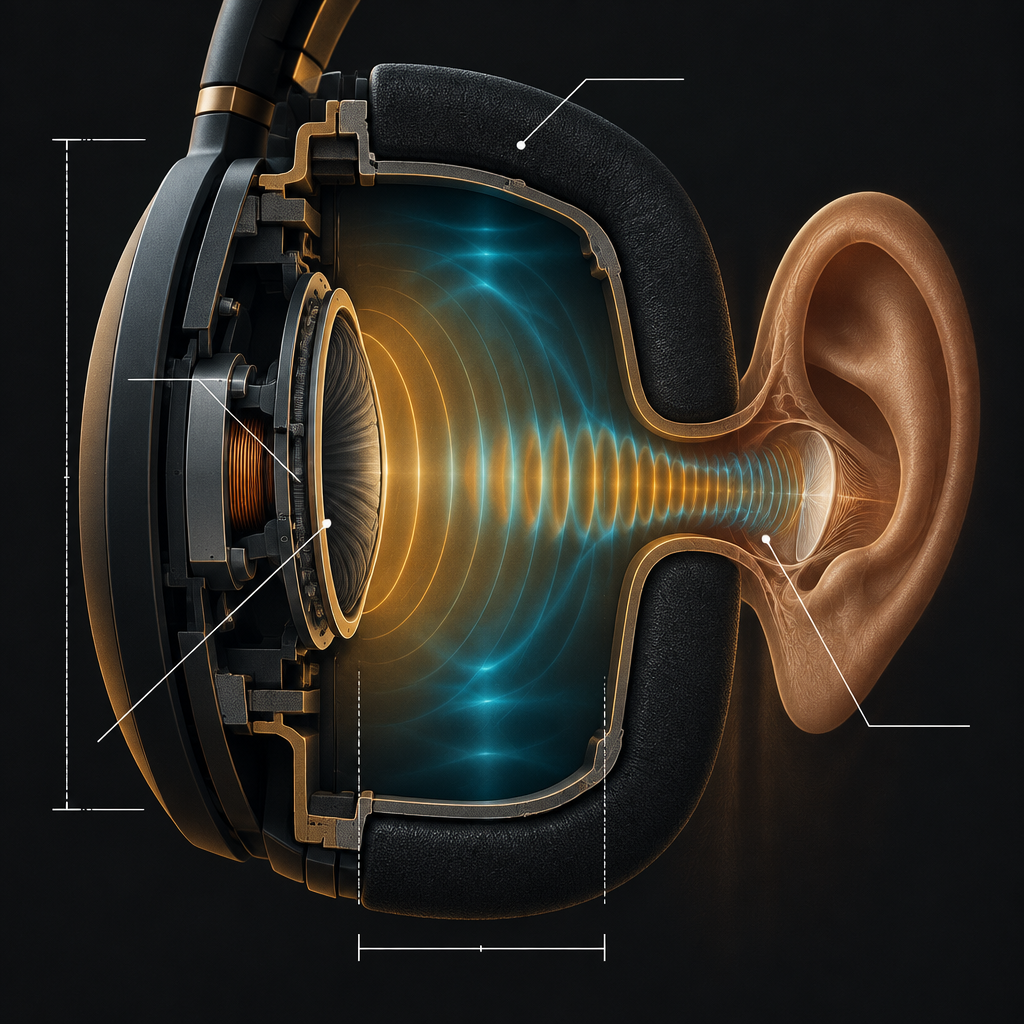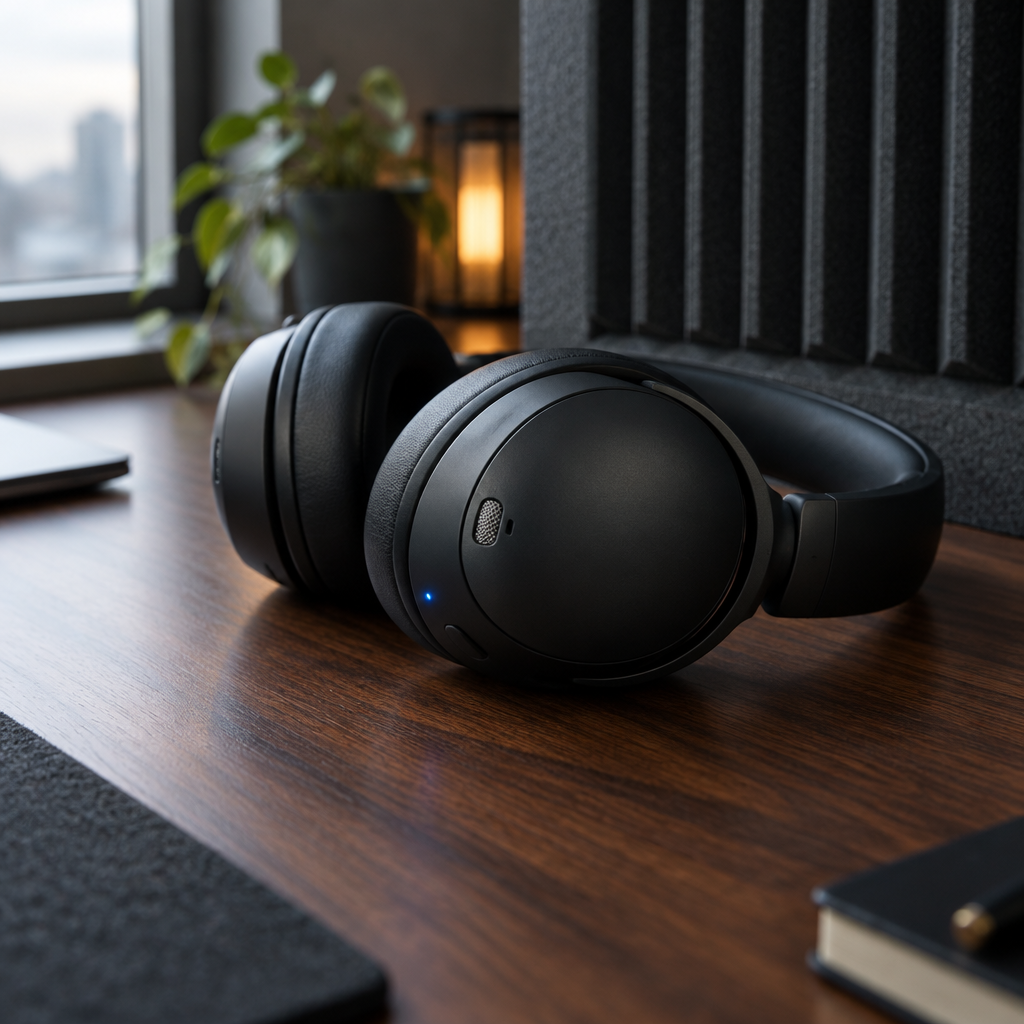
A pair of Bluetooth headphones can reproduce a layered orchestral recording, a game soundtrack, or a bass-heavy electronic track with startling polish. Then a phone call begins, and the same headphones suddenly make the wearer sound as if they are speaking through a hallway. The contrast feels irrational until you look at the direction of travel.
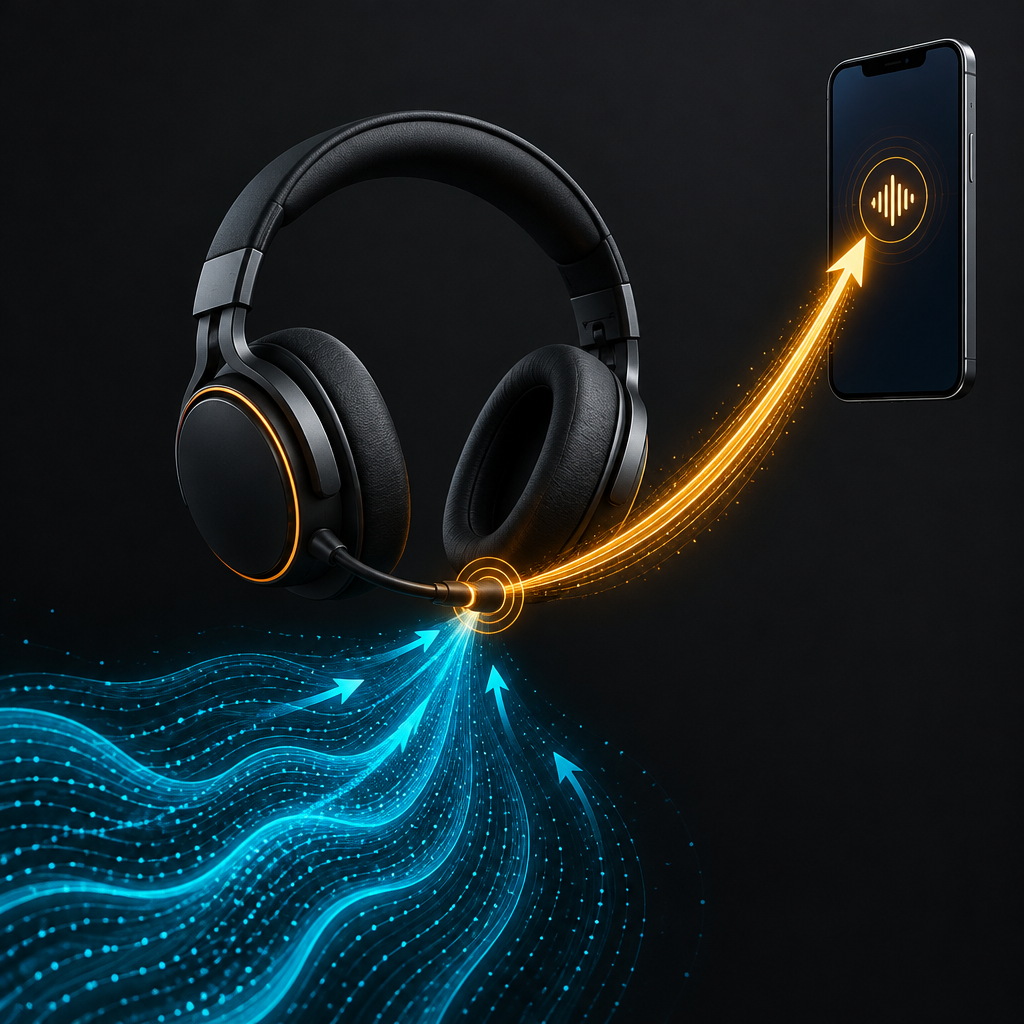
Most conversations about wireless headphone quality focus on the downlink, the audio moving from a phone or computer into the headphone speakers. That is where codec logos, sample rates, driver size, and digital signal processing get their attention. Voice calls expose the opposite path, the uplink, and the uplink has historically been the less glamorous part of Bluetooth audio.
This is why a headphone can be an excellent music machine and an only adequate telephone. The acoustic hardware on your head may be capable of much more than the Bluetooth profile, operating system, and microphone processing pipeline allow it to send back.
Two audio jobs, two very different Bluetooth paths
Music playback is mostly a one-way problem. The source device encodes a stereo signal, transmits it, and the headphones decode it. A manufacturer can tune the speakers, amplifier, equalizer, and noise-cancellation system around that relatively predictable stream.
A call is a two-way negotiation. The headphone must receive the other person while simultaneously capturing your voice in a noisy acoustic environment. Its microphones hear speech, wind, keyboard clatter, traffic, and the sound leaking from the earcups. The headset then has to reduce those unwanted signals before sending a speech stream in the opposite direction.
Classic Bluetooth handled this job through headset and hands-free profiles designed around voice communication. They were practical, interoperable, and built for a world in which intelligibility mattered more than natural timbre. The result was often enough for a short call, but not enough to preserve the qualities that make a voice sound present and human.
There is a second complication. On many computers, connecting a Bluetooth headphone for microphone use causes the system to switch away from its high-quality music mode. The device enters a call-oriented mode with different bandwidth and processing behavior. The listener may hear a sudden collapse in stereo detail, even though the headphones have not physically changed.
The return link is where the compromise becomes audible
Bluetooth audio is commonly described as if one codec defines the whole experience. In reality, the headphone may use one codec for music playback and a different speech path for calls. The phone and the operating system decide which combination is available, and the headset has to fit inside that negotiation.
Speech codecs are optimized for words, not cymbals or room ambience. They can be very good at preserving consonants at modest bitrates, but a narrow voice channel still limits frequency response and texture. When aggressive noise suppression is added, the system may remove parts of the voice along with the background. That produces the familiar underwater, metallic, or gated quality.
Bluetooth LE Audio changes the architecture rather than magically making every headset sound better. Its LC3 codec is designed to provide useful quality across a range of bitrates while supporting lower power operation and more flexible audio transport. For calls, that can create a better foundation, especially when both the operating system and the headphone implement the relevant features correctly.
But a newer radio path does not solve a poor microphone design. If the microphones sit in turbulent airflow, if the earcups leak badly, or if the signal processing mistakes a low voice for background noise, a more modern transport simply carries the flawed capture more efficiently.
Microphone placement beats marketing language
Headphone call quality begins at the physical microphone openings. A boom microphone has an obvious advantage because it can sit close to the mouth and capture a stronger voice relative to the room. Compact over-ear headphones usually hide several microphones in the earcups, which is convenient but acoustically demanding.
Those microphones are not listening to the same sound. A forward-facing capsule may capture speech and street noise. A feedforward noise-control microphone may hear the environment from outside the cup. A feedback microphone may hear the residual sound near the ear. The headset's processor combines these signals to estimate what should be kept and what should be removed.
That estimate is never perfect. Wind is especially difficult because it creates low-frequency pressure changes directly at the microphone port. A person can be standing in a quiet park and still sound distorted if a breeze hits the wrong side of the headset. Designers use mesh, acoustic vents, port geometry, and wind detection, but each solution has tradeoffs in size, sensitivity, and cost.
The best systems therefore do not simply add more microphones. They coordinate microphones with beamforming and voice activity detection. Beamforming can emphasize sound arriving from the wearer's mouth while suppressing competing directions. Voice activity detection can tell the processor when speech is likely present. Neither technique is a force field. Reverberant rooms, moving sources, and overlapping voices remain hard cases.
Noise cancellation has an uplink and a downlink personality
Active noise cancellation is usually marketed as a listening feature. The headphone measures unwanted sound and generates an opposing signal, making the world quieter for the wearer. Call processing has a related but separate task: it must make the wearer's voice clearer for the person on the other end.
A headset can be excellent at reducing airplane rumble in the ear and mediocre at removing the same airplane from the microphone signal. The downlink system has access to a controlled speaker signal and microphones positioned around the ear. The uplink system has to separate speech from everything happening around a small, moving head.
Some headphones now use machine-learning models trained on speech and environmental recordings. These models can suppress fans, engines, and office noise more naturally than older rule-based filters. The danger is overconfidence. A model that is tuned to make a quiet recording sound clean may clip syllables when the environment becomes unpredictable.
That is why a call sample recorded in a silent room tells you very little. The meaningful test is a changing environment: traffic passing from one side to the other, a café with several voices, a gust of wind, or a keyboard beneath the microphone. Headphones that preserve consonants during those transitions are doing more impressive work than a pair that produces a pristine demo in a bedroom.
Why computers make the problem more obvious
Phones tend to have tighter integration between the operating system and the headset. Computers are messier. A laptop may expose separate playback and recording endpoints, use an older Bluetooth stack, apply its own communications processing, and route the call through software that was never tested with the particular headphone.
Operating systems also have to balance latency, battery life, compatibility, and audio quality. A high-quality stereo stream and a microphone stream consume more radio and processing resources than one-way playback. The system may choose a conservative mode to avoid dropouts, especially in crowded offices where Wi-Fi and Bluetooth share the same 2.4 GHz neighborhood.
LE Audio and newer operating-system support may reduce some of these compromises, but compatibility remains a matrix, not a checkbox. The phone, computer, headphone firmware, Bluetooth controller, application, and selected profile all matter. Bluetooth version numbers on a product box do not tell you whether a particular call path will use the features you care about.
The practical test is not the spec sheet
When evaluating Bluetooth headphones for work, the microphone specification deserves the same skepticism as a claimed battery number. Ask whether the product supports a modern call path on the devices you actually use. Check whether multipoint remains available during calls. Test the microphone with the headphone connected to a laptop, not just a phone.
Record short samples in silence, near a fan, outdoors, and beside ordinary conversation. Listen for missing word endings, pumping background noise, sudden volume changes, and the way the headphone behaves when you turn your head. A good microphone does not have to make the room disappear. It has to keep your speech understandable without making every pause sound like a software error.
A wired boom headset can still win this contest. That is not a failure of Bluetooth; it is a reminder that a microphone near the mouth enjoys a large acoustic advantage. Wireless gaming headsets with a dedicated boom often sound better on calls than elegant travel headphones because they spend physical space on the capture problem.
What the next generation of headphones must improve
The most interesting progress in Bluetooth headphones will not come from a single headline codec. It will come from treating the return link as a first-class audio product. That means better microphone ports, better wind handling, more transparent uplink processing, and clearer compatibility between headphones and computer operating systems.
LE Audio provides useful building blocks. Higher-quality, lower-power speech transport can make the compromise less severe. Multi-stream architecture can improve synchronization and device flexibility. Smarter processors can adapt their noise reduction to a person's voice instead of applying one aggressive filter to every situation.
Still, the engineering target should be modest and concrete: the person on the other end should not have to think about the technology. Your voice should remain recognizable when a bus passes, a door closes, or you glance toward another speaker. If a headset accomplishes that, it has solved a harder problem than simply making music louder or adding another spatial-audio mode.
The next time a Bluetooth headphone sounds wonderful for music but disappointing on a call, blame the right half of the system. The speakers may be innocent. The real bottleneck is often the route back to the world, where microphone geometry, speech codecs, radio profiles, and real-time algorithms all have to agree before your voice can arrive as more than a thin digital impression.